
PathSync Campus

The college or school comes first.

Campus is the workspace for a college or school. Teacher, scheduler, admin, and further plans sit inside it. Students keep their own portal.

Teacher · Observer

Watch the cohort without opening a student dashboard.

Classroom analytics, live rankers, and a read-only roadmap stay on this campus. You see only students who accepted a link. Career Readiness Index is calculated from their work — you do not assign it.

  • Classroom analytics
  • Live rankers
  • Read-only roadmap
  • Accepted links only
Join as Teacher

A teacher plan

Observer is a plan inside the teacher seat. The roadmap stays the student’s.

Scheduler seat

One timetable. Every teacher on it.

A scheduler builds the class timetable and assigns teachers to periods. Teachers follow it; they do not rewrite it from the student portal.

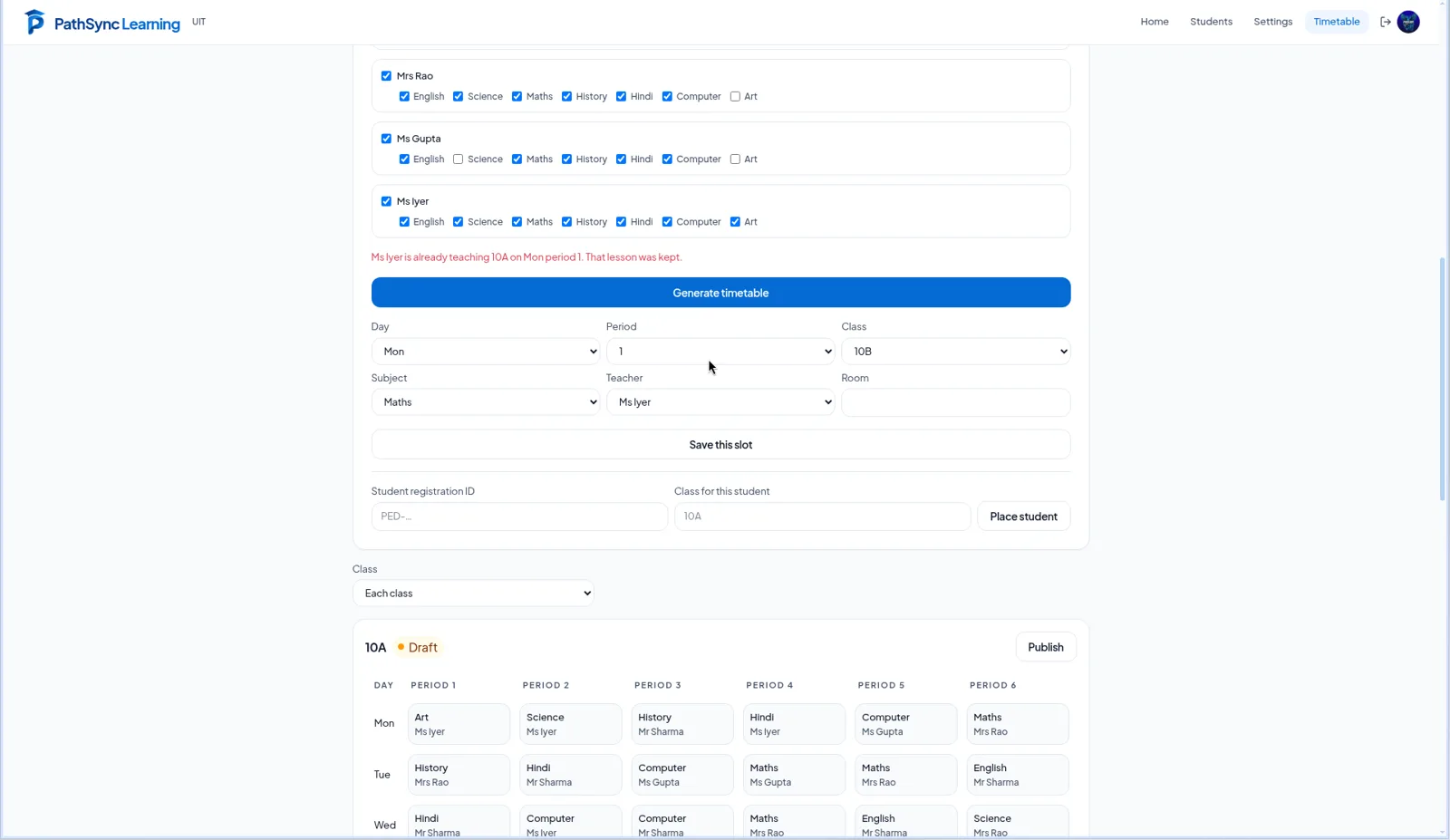
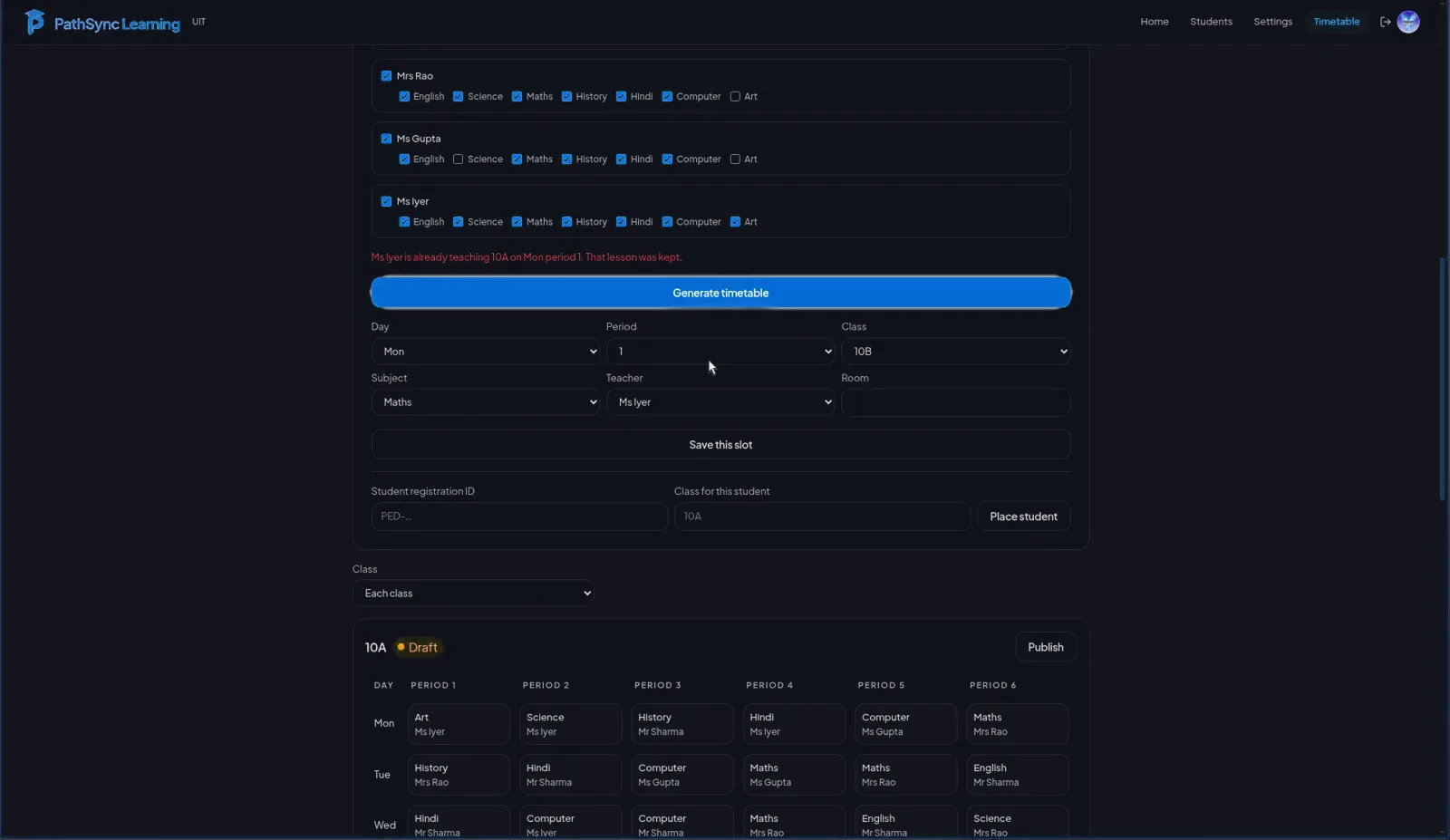
Timetable flagging a teacher clashTimetable flagging a teacher clash

Timetable

Generate the week. Then fine-tune it.

Schedulers set days, periods, classes, subjects and teachers, then generate a draft timetable. Edit single lessons, save or remove them, and publish when it is right.

  • Keep every timetable: create, open, duplicate, rename or delete drafts
  • Publish a class or the whole week; published classes stay live until unpublished
  • Clear validation when inputs can't produce a timetable

Conflicts

Clashes are blocked before they happen.

A teacher can't be in two rooms at once. Campus checks teacher and room conflicts and explains why a lesson can't be saved.

  • Teacher conflict checks
  • Room conflict checks
  • Capacity and missing-teacher errors

Roles

The right home for every member.

Campus admins run the campus. Schedulers land on the timetable. Teachers join with a teacher code tied to their campus, or with PathSync staff approval.

  • Campus, teacher and scheduler join codes
  • No public sign-up creates an institution
  • Pending accounts wait for a code or approval

Access

How you join. No public sign-up for institutions.

  1. 01

    An org code, or staff approval

    PathSync staff creates the institution. An owner can later issue codes for more educators. There is no public “create institution”.

  2. 02

    Sign up on this host

    Use the educator login. The campus code sets the seat: teacher, scheduler, admin, or a later plan.

  3. 03

    Join, then teach

    Enter the campus code or wait until staff approves you. Teachers observe or support. A scheduler designs the class and teacher timetables. Admin runs codes and the roster.

PathSync Learning staff provision the first institution. Customer org admin is membership on this host, not the staff console.

Campus SaaS pricing

Predictable institution licensing. Full cohort coverage.

One unified institutional subscription replaces outdated placement software and manual timetabling for your college or university.

College SaaS (Pro)

Institutional

₹16,000/ month

Annual institutional contract (₹1,92,000 / year)

  • Automated clash-free timetable generator & room validator
  • Multi-seat roles: Campus Admins, Schedulers & Teacher logins
  • Cohort-wide Career Readiness Index (CRI) analytics dashboard
  • Placement preparation tracking & institutional skill heatmaps
  • Cohort progress monitoring & student verification export
  • Dedicated institutional onboarding, faculty training & SLA

Campus Partnerships

Customproject-based

For university systems, state clusters & affiliated colleges

  • Multi-campus administrative rollouts across AKTU/state networks
  • Tailored industry tech-stack alignment & curriculum mapping
  • Guest mentor sessions & student hackathon infrastructure
  • Custom SIS / ERP integration & dedicated account management

Bring your campus onto PathSync.

Have a campus code? Sign up with it. No code yet? Request staff approval on the sign-up page.

PathSync Learning Campus — colleges and schools